
Unblock Master VPN: Getting Past DPI With AmneziaWG and Reality
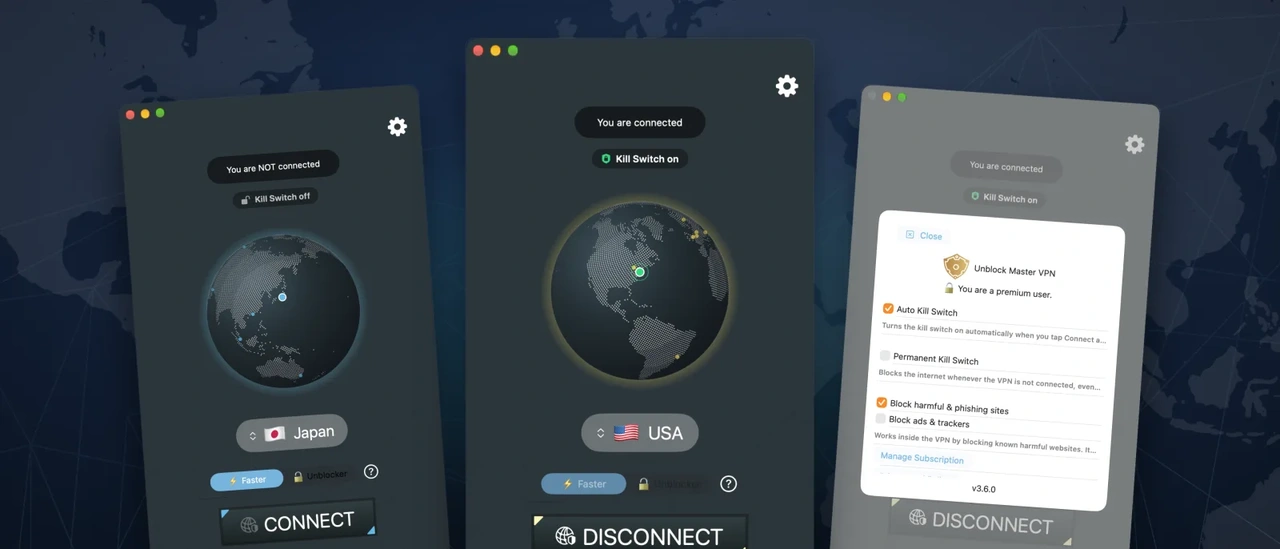
Most VPNs do not get blocked because their encryption is broken. They get blocked because they are recognisable.
Countries that filter the internet do not need to read your traffic to stop it. Their networks run deep packet inspection (DPI): equipment that looks at the shape of every connection - the size of the first packets, the handshake, the timing - and matches it against the fingerprints of known VPN protocols. Standard OpenVPN, IPsec and plain WireGuard all have fingerprints that are easy to spot. Once a protocol is on the list, every app that uses it stops connecting at once, often within days of a new release.
Unblock Master VPN is built around that problem. It does not try to be the VPN with the most servers or the longest feature list. It tries to be the one that still connects on the networks where the others have stopped.
Two Stealth Engines, One Tap
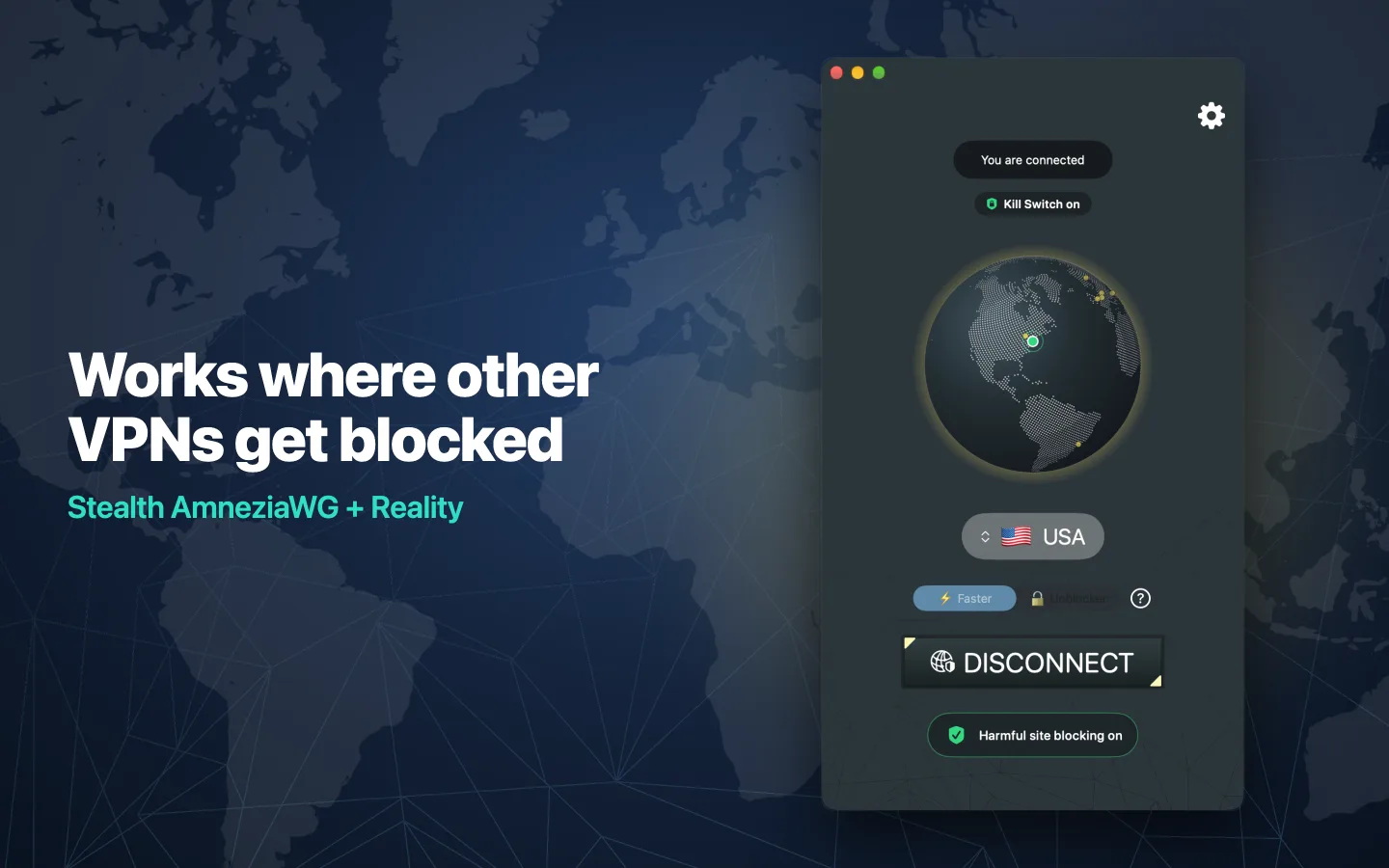
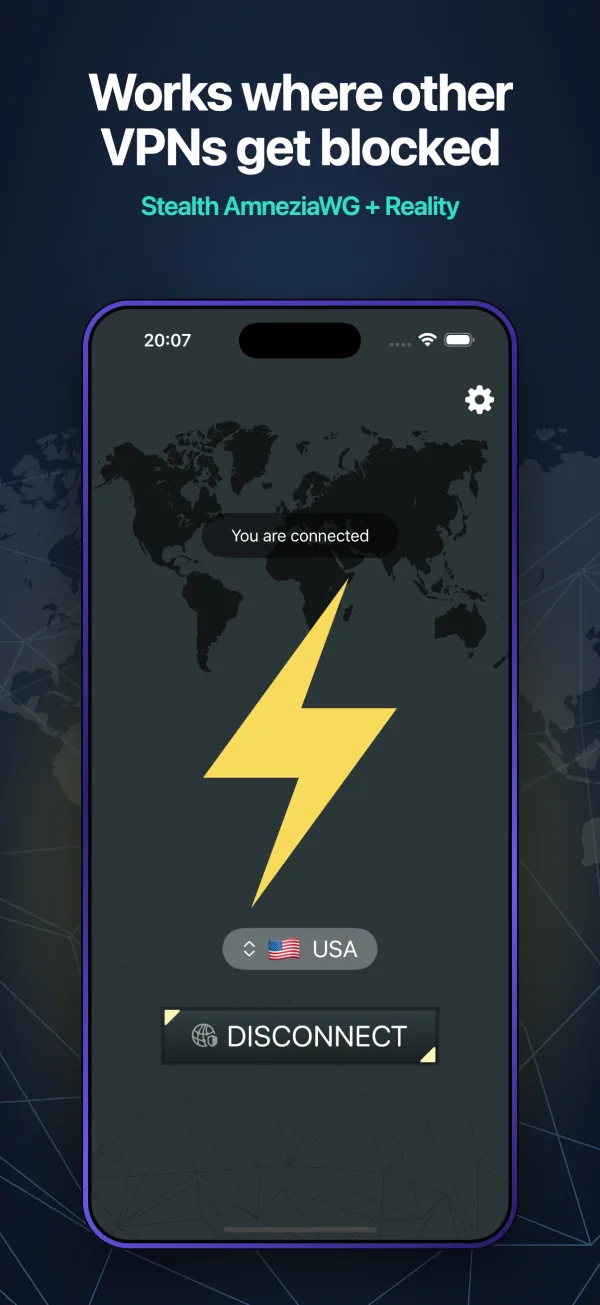
The app carries two different ways of getting past DPI, and you switch between them with a single tap on the home screen. There are no configuration files to import and nothing to set up.
Faster: AmneziaWG
AmneziaWG is a hardened variant of WireGuard. WireGuard itself is fast and modern, but its packets have a fixed, well-known structure, which makes it one of the easiest protocols for DPI to single out. AmneziaWG keeps WireGuard's cryptography and speed and removes the fingerprint: it adds random padding and junk packets and changes the header values, so on the wire the connection no longer looks like standard WireGuard - or like anything on the censor's list.
This is the engine for everyday use. It is quick enough for video calls, streaming and gaming.
Unblocker: Reality
Reality (from the XRAY project) takes the opposite approach. Instead of looking like nothing, it looks like something completely ordinary: a normal TLS handshake with a real, popular HTTPS website. A DPI system inspecting the connection sees what appears to be a regular visit to that site, with a genuine certificate, and lets it through. Blocking it would mean blocking the website it imitates.
This is the engine for the strictest networks - the ones that block anything they cannot identify.
Where It Works
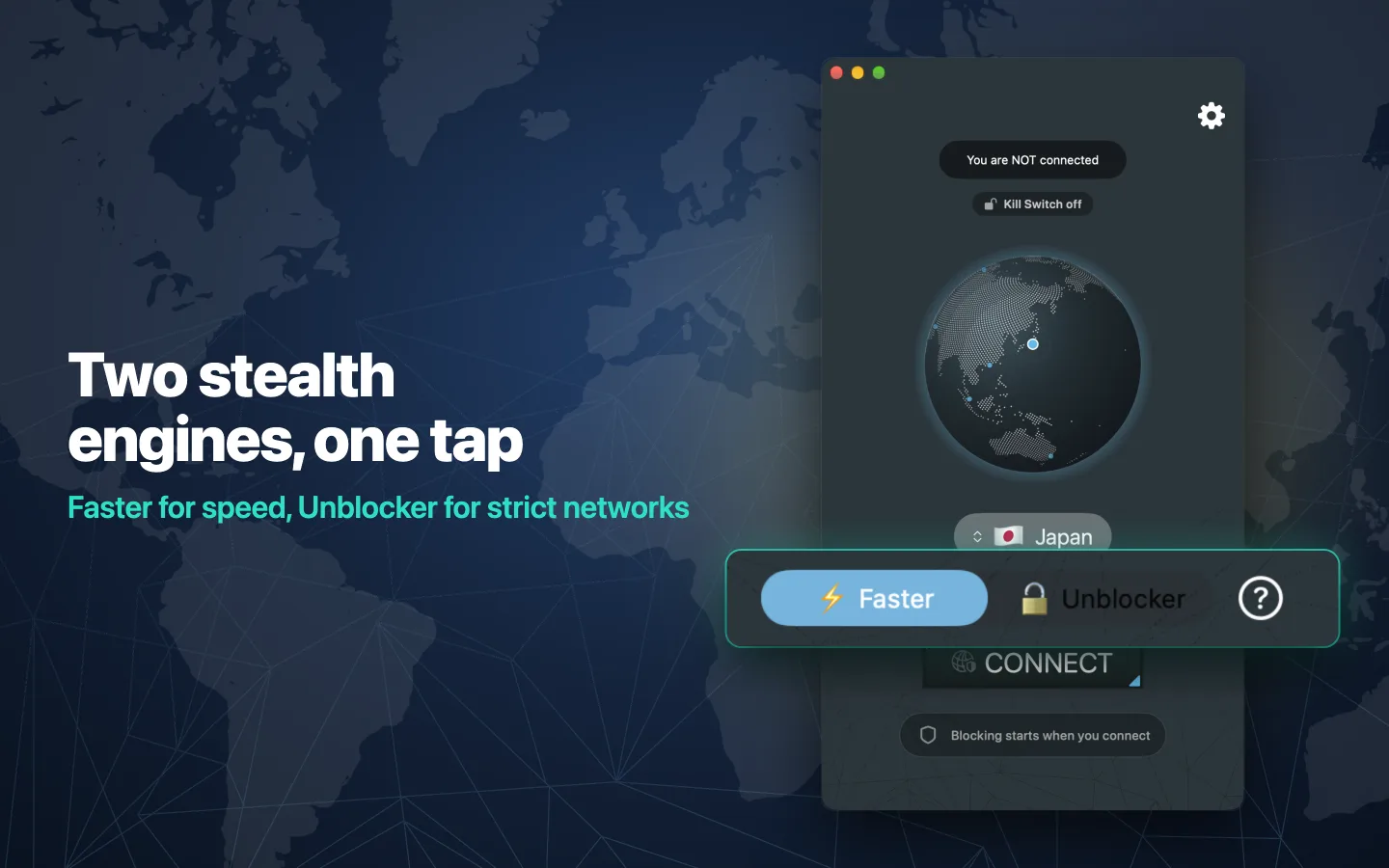
People use Unblock Master VPN every day in countries with some of the heaviest internet filtering in the world:
- Iran - where messaging apps, social networks and most VPN protocols are filtered.
- China - behind the Great Firewall, one of the most sophisticated DPI systems in operation.
- Russia - where VPN protocols are actively blocked by fingerprint.
- The United Arab Emirates - where internet calling and many services are restricted.
- Saudi Arabia - where voice and video calls and a range of sites are filtered.
It is used just as much on smaller restricted networks: airports, hotels, offices, schools and public Wi-Fi that block messaging apps, voice and video calls, social networks, video sites and news.
Staying reachable goes further than the tunnel itself. If our own website and servers are blocked where you are, the app finds another way to reach us on its own - it falls back through a list of alternative addresses and relays on the VPN servers, so the app can still get its server list on a network that blocks the usual routes.
Blocks Harmful Sites and Ads Automatically
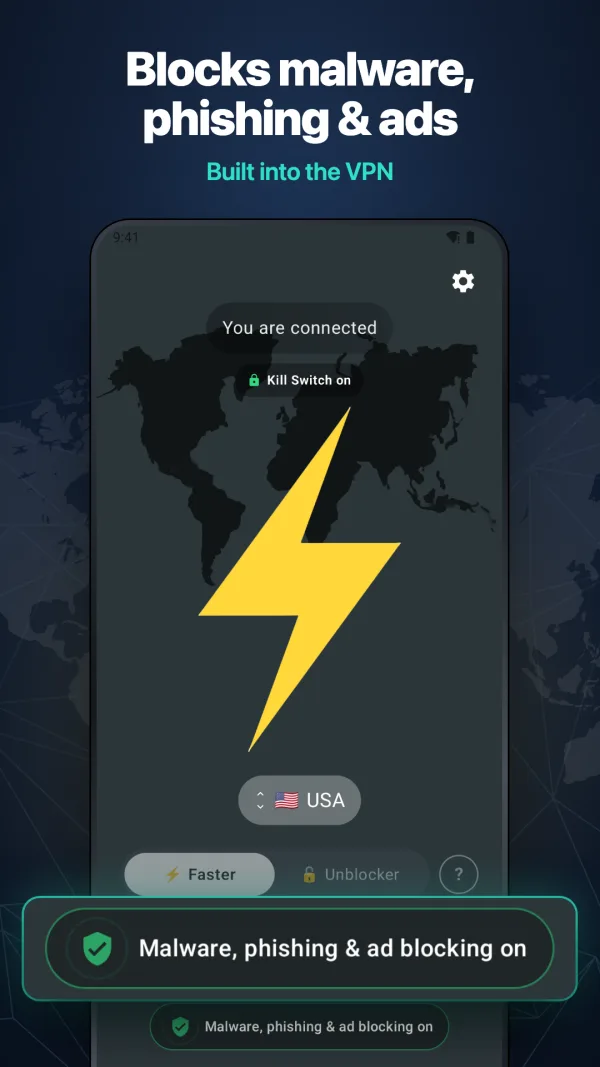
A VPN that already carries all of your traffic is the right place to stop the dangerous parts of it. Unblock Master VPN includes protection that runs inside the VPN, with no separate app, browser extension or profile:
- Harmful site blocking - known malware, phishing and scam sites are blocked automatically. It is on by default: you do not have to find a setting or remember to turn it on. A fake bank login or a page serving malware simply does not load while you are connected.
- Ad and tracker blocking - turn it on in settings and ads and trackers are blocked too, in every app and browser on the device, not just in one browser.
Both are included at no extra cost, and both take effect immediately when you switch them on or off. The home screen shows at a glance whether protection is active.
A Kill Switch That Never Leaks
When a VPN drops, the worst case is not losing the connection - it is your traffic quietly carrying on over the open network without you noticing. On a censored network that can be more than a privacy problem. Unblock Master VPN has a kill switch in two levels:
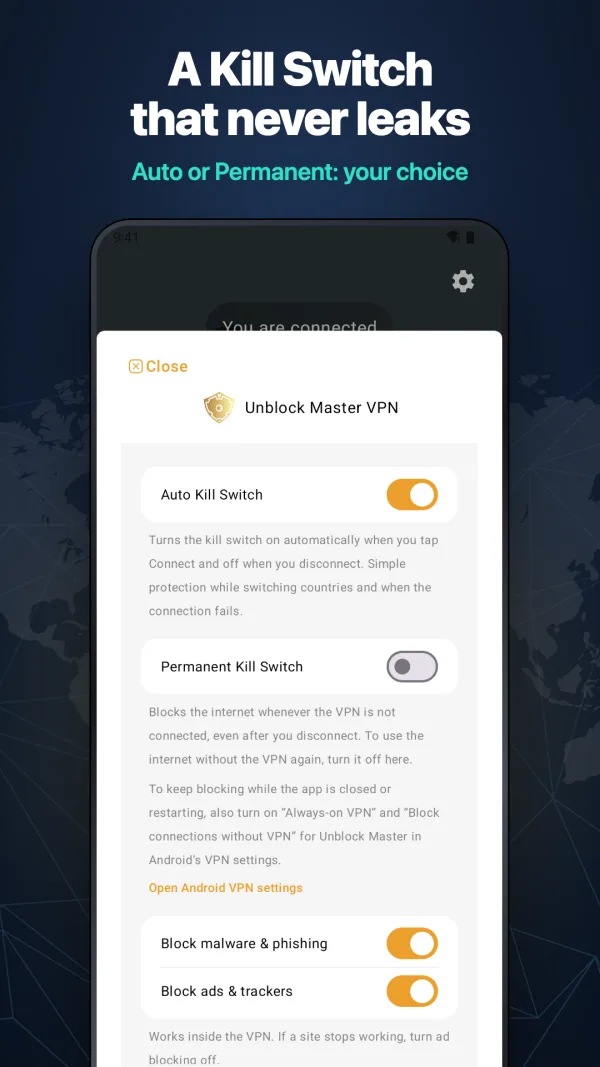
- Auto Kill Switch (on by default): while you are connected, nothing goes out on the open network - not while you switch countries, and not when a server stops responding.
- Permanent Kill Switch: blocks the internet whenever the VPN is off, even after you disconnect or the app updates, until you turn it off yourself.
Switch Countries Without Dropping
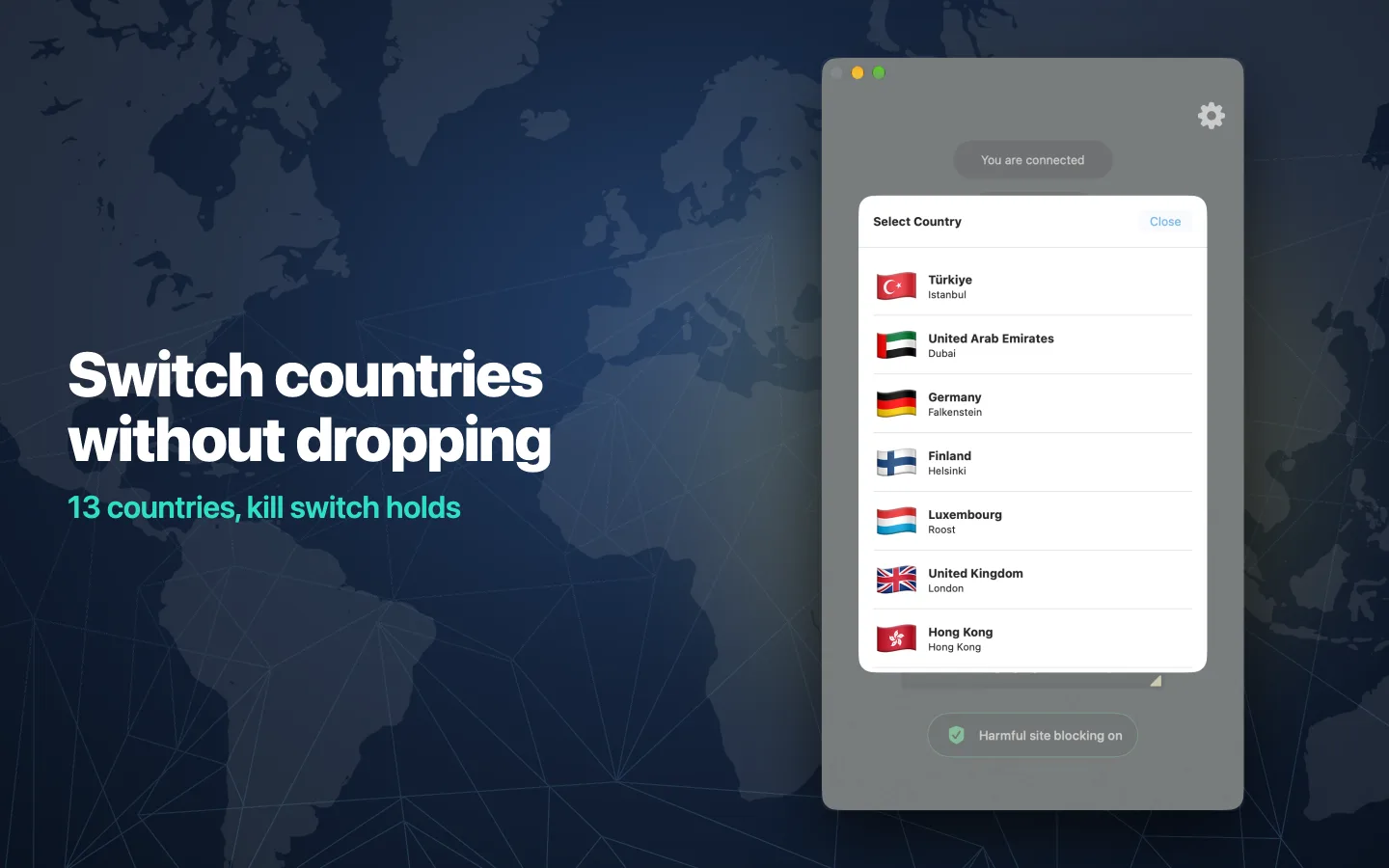
Servers are in 13 countries: the United States, Canada, Brazil, the United Kingdom, Germany, Finland, Luxembourg, Türkiye, the United Arab Emirates, Singapore, Hong Kong, Japan and Australia.
Pick another country while you are connected and the app moves you over inside the running tunnel, behind the kill switch, so your traffic never falls back to the plain network in between. Switching between Wi-Fi and mobile data, or waking the device from sleep, does not need you either: the app checks the connection and reconnects on its own.
Private by Design
- No-logs policy - we do not record the sites you visit or the traffic you send.
- No account needed to start.
- Our own servers - every server is run by Yuix Networks, not rented from resellers.
- Encryption on public Wi-Fi - your traffic and your IP address are hidden from the network you are on.
There are also free tools on the website - a DNS leak test, a WebRTC leak test and a VPN checker - so you can verify your connection yourself rather than taking our word for it.
Mac, iPhone, iPad and Android
Unblock Master VPN is a native app on every platform, with the same two stealth engines, the same kill switch and the same protection everywhere. On Apple devices, one subscription covers iPhone, iPad and Mac.
Download
Monthly and yearly plans start with a 7-day free trial, and you can cancel at any time.
- Mac: Download Unblock Master VPN on the Mac App Store
- iPhone and iPad: Download Unblock Master VPN on the App Store
- Android: Get Unblock Master VPN on Google Play
If the store itself is hard to reach where you are, install the app before you travel - and keep it, because the networks that block other VPNs are exactly the ones it was built for. More guides, server status and the free connection tools are at unblockmaster.com.